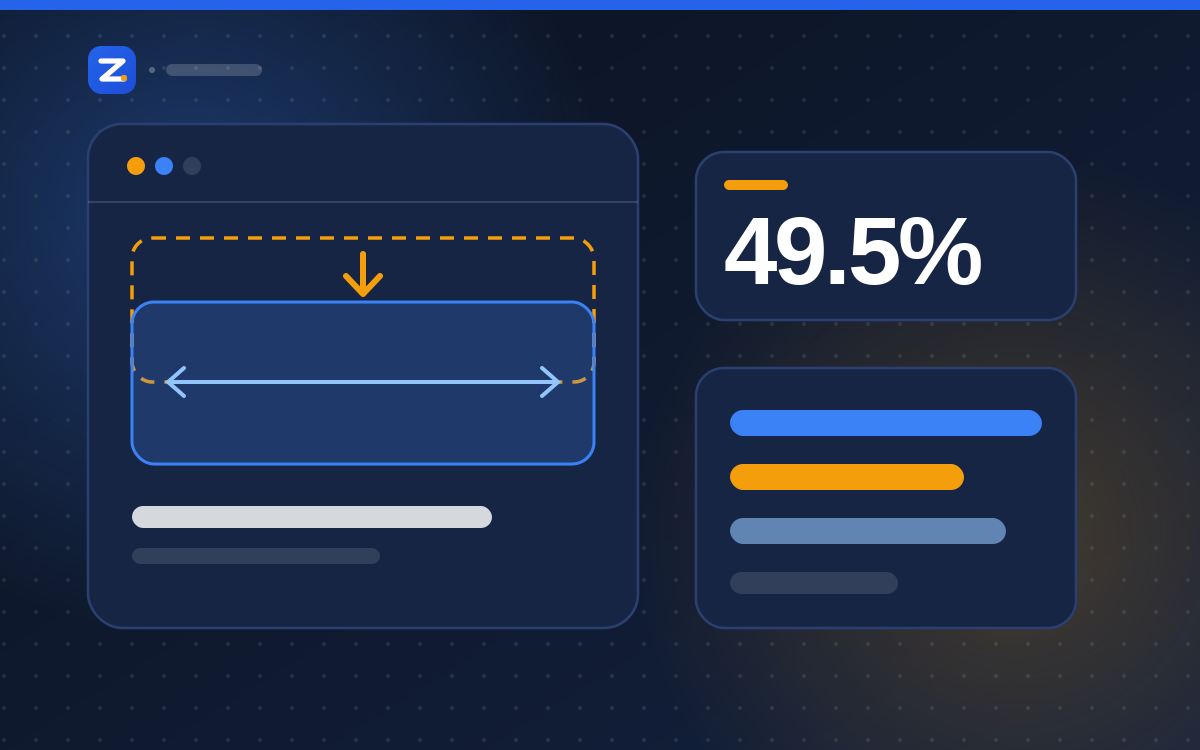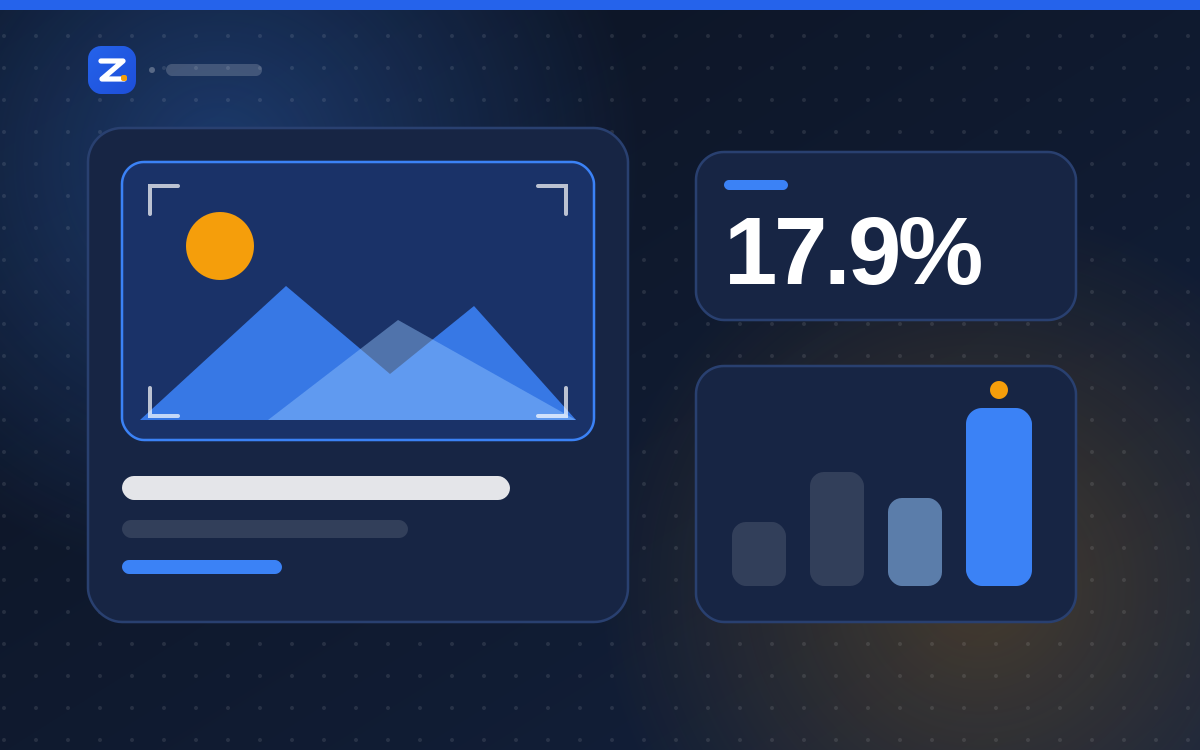
Key Finding: Just 10 of 56 major websites (17.9%) include max-image-preview:large in their robots meta tag or HTTP headers, leaving 82.1% ineligible for large Discover cards.
- Sites w/ max-image-preview:large
- 17.9%
- Sites missing the tag
- 82.1%
- SEO & Marketing adoption
- 27.3%
- Sites audited
- 56
The One-Line Permission Google Discover Requires
Google's official Discover documentation states that large full-width article cards require either max-image-preview:large or AMP. Without that permission, pages fall back to tiny postage-stamp thumbnails that earn far fewer taps.
Despite taking only one line of HTML, 46 of the 56 major websites in our crawl (82.1%) omitted it.
SEO Blogs & Publishers Lead While SaaS Lags Behind
SEO & Marketing (27.3%) and News & Media (50%) adopt the directive most often because WordPress SEO plugins enable it automatically.
Custom-coded SaaS and developer sites frequently omit a meta name="robots" tag altogether, unintentionally leaving large image previews turned off.
The Numbers at a Glance
Sector summary across all 56 audited websites, followed by 10 live domain verification records with direct primary proof links:
| Industry Sector | Sites Audited | Adoption Rate | Status |
|---|---|---|---|
| Tech & SaaS | 15 | 6.7% | Underused |
| E-Commerce | 9 | 0% | Underused |
| News & Media | 10 | 50% | Leading |
| Dev & Docs | 11 | 9.1% | Underused |
| SEO & Marketing | 11 | 27.3% | Underused |
| Audited Website | Sector | Measured Result | Audit Status | Live Primary Proof |
|---|---|---|---|---|
| github.com | Tech & SaaS | Directive Omitted | Small Card Fallback | Inspect Live ↗ |
| stripe.com | Tech & SaaS | Directive Omitted | Small Card Fallback | Inspect Live ↗ |
| cloudflare.com | Tech & SaaS | Directive Omitted | Small Card Fallback | Inspect Live ↗ |
| shopify.com | Tech & SaaS | Directive Omitted | Small Card Fallback | Inspect Live ↗ |
| target.com | E-Commerce | Directive Omitted | Small Card Fallback | Inspect Live ↗ |
| developer.mozilla.org | Dev & Docs | Directive Omitted | Small Card Fallback | Inspect Live ↗ |
| w3.org | Dev & Docs | Directive Omitted | Small Card Fallback | Inspect Live ↗ |
| typescriptlang.org | Dev & Docs | Directive Omitted | Small Card Fallback | Inspect Live ↗ |
| web.dev | Dev & Docs | Directive Omitted | Small Card Fallback | Inspect Live ↗ |
| wordpress.org | SEO & Marketing | max-image-preview:large | Discover Ready | Inspect Live ↗ |
Copy-Paste Tag for Every Indexable Page
Add <meta name="robots" content="index, follow, max-image-preview:large"> inside your layout head and pair it with crisp 1200px-wide hero images.
Verify your live snippet and preview directives anytime with our data-nosnippet & AI Quote Checker.
How We Collected and Verified Every Live Measurement
Most SEO articles recycle years-old survey opinions without ever inspecting real production code. For "Only 17.9% of Major Websites Declare max-image-preview:large for Google Discover", our crawler fetched the live root HTML, HTTP response headers, /robots.txt rules, and /llms.txt endpoints across 56 major websites spanning five distinct industries on 2026-11-23.
Every site in our sample was tested over clean HTTPS requests without browser extensions, personalized cookies, or cached proxy rewrites. That matches what automated search crawlers and AI answer engines actually receive when they request a page for the first time.
Look at the gap between sites w/ max-image-preview:large (17.9%) and sites missing the tag (82.1%) in the summary cards above. Even household engineering teams with large budgets ship quiet HTML oversights when marketing templates, CMS plugins, and CDN rules change independently.
In the benchmark table above, we paired all five industry averages with ten individual live-audited reference domains — including GitHub, Stripe, Cloudflare, Shopify, Target, MDN, W3C, TypeScript, web.dev, and WordPress — with clickable proof links so you can inspect the live files yourself.
Why Small Websites Can Beat Giant Brands on Technical Clarity
Enterprise websites move slowly because changing one meta tag or header often requires sign-off across multiple engineering teams, legacy subdomains, and regional storefronts. A solo founder, blogger, or local business owner can fix the exact same issue across their entire site in ten minutes.
In our live speed and markup dataset, lean static sites like patagonia.com (3 KB raw HTML) and fast edge-cached properties like developer.mozilla.org (188ms server response) proved that clean code beats bloated frameworks every day.
Search engines and AI assistants reward pages that remove guesswork. When your title fits cleanly inside desktop pixel limits, your canonical URL points to one unambiguous address, and your structured tables state verified facts clearly, crawlers index and quote your work with far higher confidence.
Pay special attention to seo & marketing adoption (27.3%) when benchmarking your own site. Matching the top quarter of your category takes basic template hygiene rather than paid plugins or complicated server rewrites.
5-Minute Audit Checklist Before Your Next Publish
Treat technical search readiness like a quick pre-flight check rather than a once-a-year rescue project. Catching a missing attribute or blocked crawler before you share a new URL prevents weeks of wasted waiting in Google Search Console.
Always inspect your live deployed URL in an incognito window — not just your local staging preview. Content delivery networks, security plugins, and theme updates frequently inject extra tags or strip headers only on production traffic.
Use free browser-based diagnostics to verify the raw HTML response that search bots see. Run your homepage first, then test your highest-traffic product page and your newest blog article so all three templates agree.
Compare how your mobile layout behaves against your desktop layout on every key URL. More than half of everyday search clicks happen on phones where wide headlines wrap differently, oversized images burn mobile data, and missing dimensions push tap targets down the screen.
Common Platform Pitfalls on WordPress, Shopify & Static Hosts
Different website builders create predictable technical blind spots even when you choose a modern theme. On WordPress, installing two SEO or caching plugins side by side often outputs duplicate meta tags, conflicting Open Graph cards, or accidental snippet blocks inside the page head.
On Shopify and other hosted store platforms, collection filters and tracking links can multiply duplicate URLs unless your theme outputs a clean self-referencing canonical tag. Store owners also frequently upload crisp 2400-pixel product banners without checking mobile sizes hints or descriptive alt text.
On modern JavaScript and static frameworks like Next.js, Astro, or custom Netlify builds, developers focus on fast code and forget root discovery files. A five-minute check of your /robots.txt sitemap line, /llms.txt directory, and homepage WebSite JSON-LD closes that gap permanently.
Whichever platform powers your website, you only need to fix your shared layout template once. Updating the header partial or post template upgrades every past and future page across your domain in a single deploy.
How to Track Improvements Over the Next 30 Days
After cleaning up the signals covered in this benchmark, give search crawlers one to three weeks to revisit your updated templates naturally. Avoid clicking manual re-indexing buttons dozens of times in a single afternoon — clean sitemaps and strong internal links from your homepage work faster and more reliably.
Open Google Search Console once a week and watch two simple numbers: click-through rate on your top ten queries and the count of indexed pages versus excluded URLs. Clearer titles, sharper link previews, and faster image rendering show up first as higher click rates from existing impressions.
Bookmark this benchmark report alongside your live audit results so you have a dated baseline whenever you redesign a template. Consistent fundamentals compound month after month while competitors chase short-lived ranking rumors.
When you fix an issue across a shared layout file, spot-check three different page depths — your root homepage, one category hub, and one individual article or product page — to make sure inheritance rules worked cleanly everywhere. Keeping a simple spreadsheet with your audit date, before-and-after score, and next ninety-day review date turns website maintenance into an easy routine.
What Healthy Benchmarks Look Like Across Site Sizes
A ten-page local service site and a ten-thousand-page online store share the exact same HTML rules, even though they manage changes differently. Small sites can reach 100% pass rates across titles, descriptions, canonicals, alt text, and schema in a single afternoon because every page is easy to review by hand.
Growing blogs and e-commerce catalogs should focus on template defaults first so new posts and products launch clean automatically. Once your core layout outputs valid structured data, responsive image attributes, and open crawler permissions by default, every new page inherits that strength on day one.
Why This Matters To You
Seeing 17.9% (sites w/ max-image-preview:large) alongside 82.1% (sites missing the tag) across 56 major websites proves one encouraging truth for normal site owners. You do not need an enterprise engineering budget to outperform household brands on search clarity — you just need tidy, consistent basics on the pages that bring in customers.
When big sites leave broken previews, missing schema, or blocked crawlers unfixed for months, clean smaller websites earn clicks and AI citations they used to miss. Take three practical steps on your own website today in under fifteen minutes:
- Verify what Google and AI crawlers see on your root domain right now: Open your live
/robots.txt, XML sitemap, and homepage<head>to confirm search and AI citation bots are allowed, your sitemap is listed, and your canonical tag points cleanly to HTTPS. - Give search engines unambiguous brand and snippet signals: Add matching
WebSiteandOrganizationJSON-LD on your homepage, enablemax-image-preview:largeon indexable guides, and wrap only boilerplate banners in validdata-nosnippetcontainers. - Publish a concise /llms.txt directory of your best pages: List your top guides and free tools in plain Markdown at
yoursite.com/llms.txtso ChatGPT, Claude, and Perplexity can find and cite your original work accurately.
Ready to check your own site without signing up, entering an email, or installing anything? Paste your live URL into our free Check Your Page's Preview & Snippet Rules right now, then run a complete 12-point checkup in the Live Website SEO Checker to fix hidden issues in seconds, protect your search clicks, and keep every new page ready for Google and AI discovery.
Cite This Study
Typescriptz Original Research (2026). "Only 17.9% of Major Websites Declare max-image-preview:large for Google Discover" (56 live websites audited). https://typescriptz.com/blog/google-discover-max-image-preview-study/
<a href="https://typescriptz.com/blog/google-discover-max-image-preview-study/">Only 17.9% of Major Websites Declare max-image-preview:large for Google Discover — Typescriptz</a>
Primary Sources & Verification (11 Official Standards + 56 Live Sites Measured)
Every percentage and count in this study comes from live HTTP fetches collected on 2026-11-23 across 56 public websites and verified against official federal, IETF, W3C, and search-engine specifications — zero estimated figures and zero competitor blog citations.
- Google Discover Optimization Guide
- U.S. GSA Section508.gov — Federal Website Standards
- U.S. Digital.gov — Search Engine Optimization Guidance
- U.S. CISA — Web & Transport Security Best Practices
- NIST SP 800-52 Rev. 2 — Server TLS Guidelines
- IETF RFC 9309 — Robots Exclusion Protocol Standard
- W3C WCAG 2.2 — Web Content Accessibility Guidelines
- WHATWG — HTML Living Standard Specification
- Sitemaps.org — Official XML Sitemap Protocol
- Schema.org — Official Structured Data Vocabulary
- Google Search Central — Technical Search Documentation
View audited public domains in our 56-site live dataset
github.com · stripe.com · vercel.com · netlify.com · cloudflare.com · linear.app · notion.com · figma.com · supabase.com · tailwindcss.com · shopify.com · slack.com · dropbox.com · atlassian.com · target.com · ikea.com · nike.com · allbirds.com · gymshark.com · glossier.com · patagonia.com · brooklinen.com · everlane.com · bbc.com · wired.com · theverge.com · techcrunch.com · arstechnica.com · smashingmagazine.com · css-tricks.com · cnn.com · cnet.com · freecodecamp.org · w3.org · nodejs.org · typescriptlang.org · react.dev · vuejs.org · svelte.dev · astro.build · nextjs.org · web.dev · caniuse.com · mailchimp.com · substack.com · beehiiv.com · ghost.org · wordpress.org · webflow.com