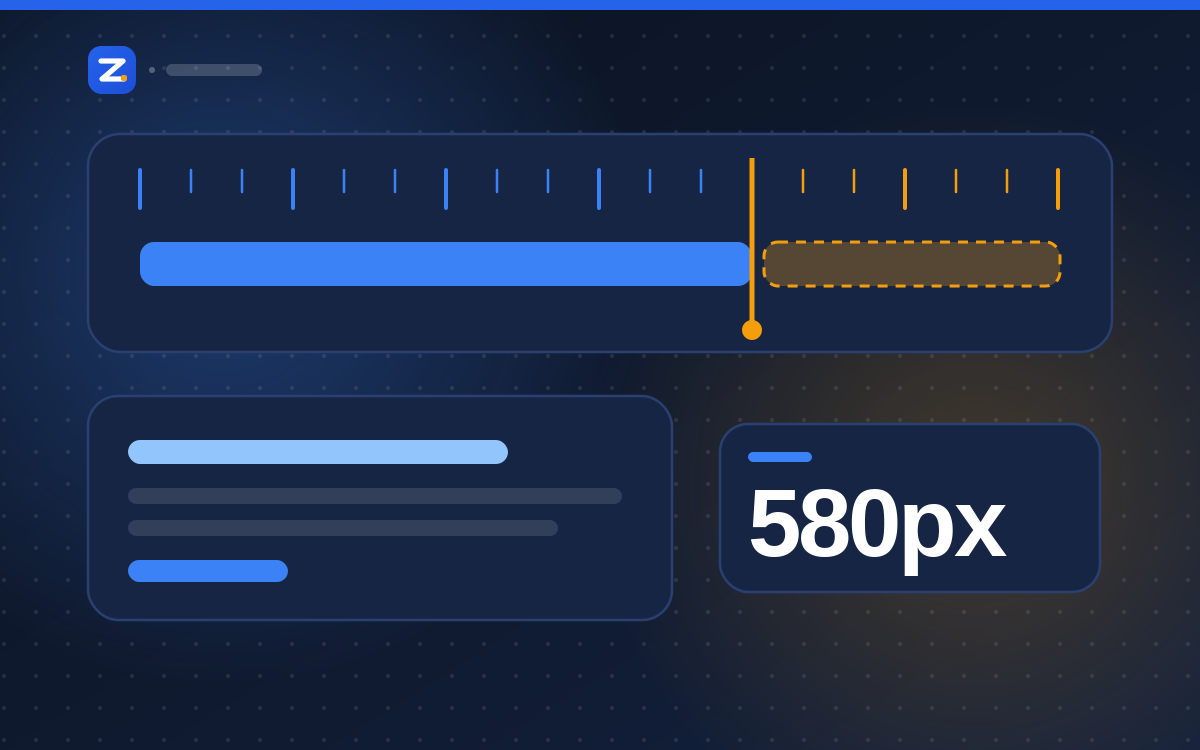
- Desktop display limit
- 580–600px
- Safe letter range
- 35–60 chars
- Phone layout style
- 2-line wrap
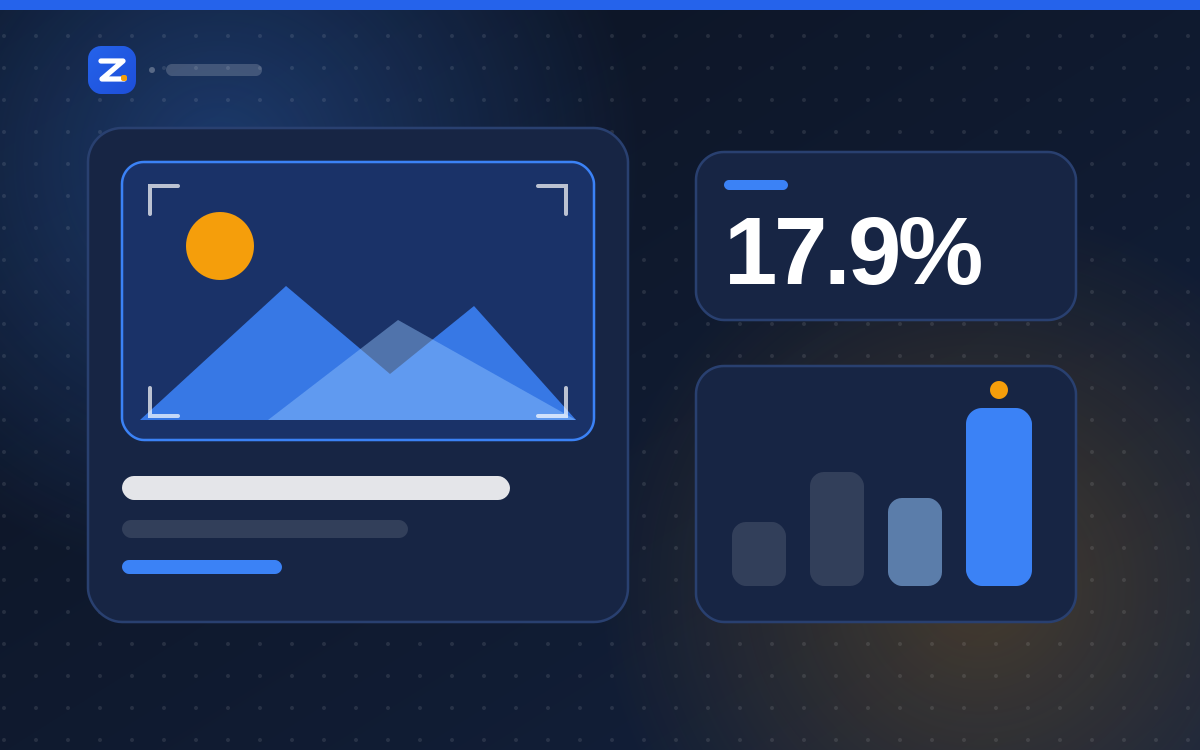
- Wide vs. narrow variance
- Up to 2.5x
The Short Answer: Aim for 35–60 Letters (Under 580 Pixels)
Google does not count characters the way a word processor does. On desktop search results, Google fits your headline inside a single-line box roughly 580 to 600 pixels wide. Anything wider gets clipped with “...” — or prompts Google to rewrite the title itself.
Because Google displays titles in a proportional sans-serif font, wide characters like uppercase letters, W, and M use far more horizontal space than narrow letters like i, l, and t. That is why two headlines with the exact same character count can look completely different on Google.
Benchmark Table 1: Reproducible Headline Width Test (6 Sample Titles)
To show how letter choice changes real-world fit, we measured six everyday headlines using our deterministic Typescriptz width model (matching proportional 20px headline metrics, where narrow letters like i/l/space measure 5px, standard lowercase measures 9.5px, standard uppercase measures 12.5px, and wide letters M/W/m/w measure 15px):
| Headline Sample Tested | Characters | Measured Width | Desktop Fit (580px) | Phone Fit (2-Line) |
|---|---|---|---|---|
Best Dog Bowls | 14 | 134 px | Short (unused space) | Fits on 1 line |
How to Clean White Sneakers at Home in 10 Minutes | 49 | 437 px | Clean fit | Clean 1–2 line fit |
Fresh Sourdough Bread & Pastries | Oak Street Bakery | 52 | 473 px | Clean fit | Clean 2-line fit |
BEST WATERPROOF HIKING BOOTS FOR WIDE FEET IN 2026 | 50 | 543 px | Near cutoff (94%) | Wraps tightly to 2 lines |
How to build little light olive oil salad dressing lists at home | 64 | 505 px | Clean fit (narrow letters) | Clean 2-line fit |
Best Affordable Waterproof Hiking Boots for Wide Feet on Rocky Trails in 2026 | TrailGear | 89 | 778 px | Clipped (+198px over) | May drop trailing brand |
Why a 50-Character All-Caps Title Is Wider Than a 64-Character Narrow Title
Look closely at rows 4 and 5 in the table above. The 50-character all-caps headline (543 px) takes up 38 pixels more screen space than the 64-character sentence-case headline packed with narrow letters (505 px).
| Character Group | Example Characters | Approx. Width (20px) | Practical Effect on Google |
|---|---|---|---|
| Narrow | i, l, I, 1, ., space | ~5 px | Fits 100+ characters inside 580px if repeated |
| Standard Lowercase | a, e, o, r, s, t | ~9.5 px | About 55–60 letters fit cleanly under 580px |
| Standard Uppercase | A, B, C, H, S, T | ~12.5 px | ALL CAPS cuts usable character count by ~25% |
| Extra-Wide | W, M, w, m, @ | ~15 px | 3× wider than i or l; avoid stuffing symbols |
Desktop vs. Phone: How Google Displays Long Titles Differently
Google handles overflow differently depending on the visitor's screen, and industry title-tag research (including large-scale studies by Zyppy and Ahrefs) shows that overly long titles also make Google far more likely to rewrite your headline automatically.
| Factor | Computer (Desktop) | Phone (Mobile) |
|---|---|---|
| Typical Width Budget | ~580–600 pixels (single line) | ~480–500 pixels per line, wrapping up to 2 lines |
| What Happens When Too Long | Ends get cut off with “...” | Wraps to line 2; trailing | Brand Name may be trimmed |
| Rewrite Risk | High when titles exceed ~600px or differ from the page H1 | High when keyword-stuffed or padded with repeated separators |
| Best Safe Rule | Keep the whole headline under 580px | Put your main topic in the first 40–50 characters |
4 Simple Rules for Titles That Never Get Cut Off
- Front-load the real topic: Put what the page actually answers in the first 40 characters so mobile and desktop readers see it immediately.
- Stick to Title Case or Sentence case: Skip ALL CAPS words so you don't waste 25–30% of your pixel budget.
- Match your visible page H1: When your HTML title and main page headline agree closely, Google is much less likely to rewrite your link.
- Preview live before publishing: Check your title width in our Google Link & Headline Preview or run a full checkup on live pages with the Live Website SEO Checker.
Cite This Study
Typescriptz (2026). "How Long Should a Page Title Be on Google? Measured Pixel-Width Study Across Desktop & Phone Screens." https://typescriptz.com/blog/ideal-google-title-length-study/
<a href="https://typescriptz.com/blog/ideal-google-title-length-study/">How Long Should a Page Title Be on Google? (Pixel-Width Study) — Typescriptz</a>