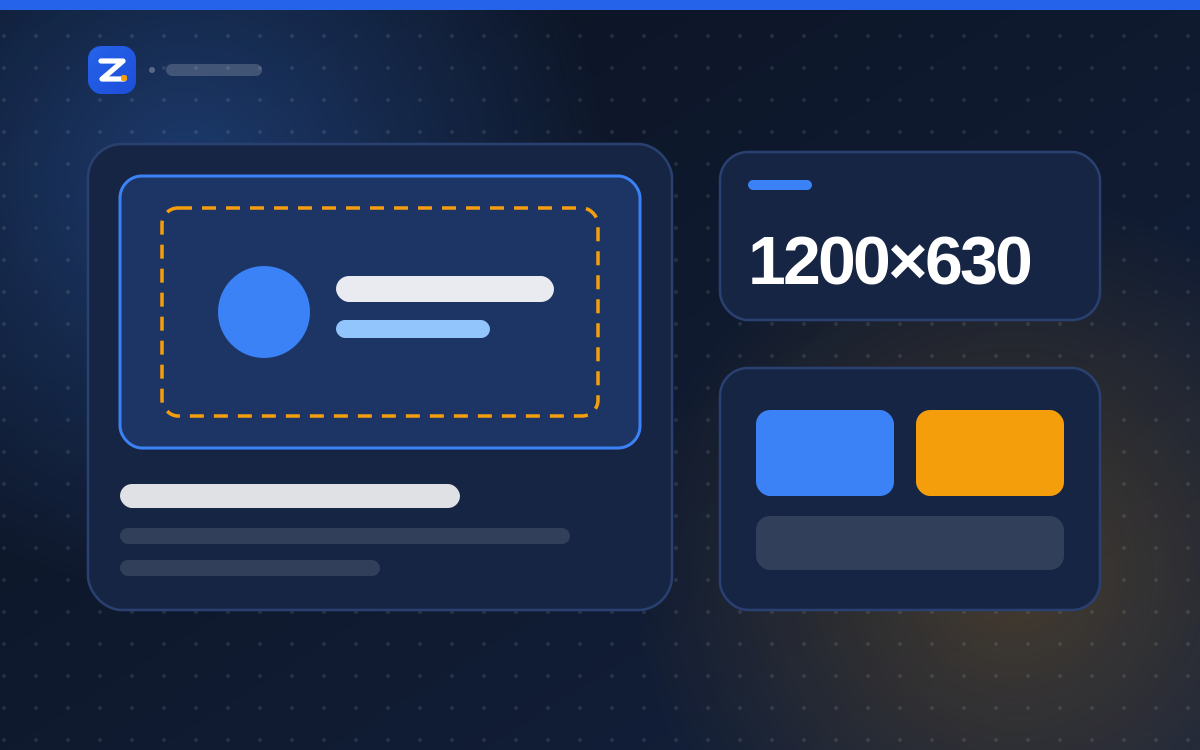
- Universal image size
- 1200 × 630px
- Target aspect ratio
- 1.91 : 1
- Safe center zone
- 1080 × 600px
- Recommended file cap
- Under 1 MB
The Short Answer: One 1200 × 630 px HTTPS Image Covers Every Major Platform
When someone pastes your website link into a text message, Slack channel, or social post, those apps do not guess what your page looks like. They look inside your webpage's HTML <head> for Open Graph (og:) and Twitter Card tags.
Across marketing benchmarks, social posts with rich visual link cards earn roughly 2× or more engagement and click-through rate compared to plain text links or broken previews. Fortunately, you do not need four separate images: one clean 1200 × 630 px (1.91:1) landscape image served over https:// under 1 MB works across iMessage, Facebook, LinkedIn, and X.
Benchmark Table 1: Platform-by-Platform Image Sizes & Limits (2026)
Each app crops and caches link previews slightly differently. Keep critical logos and text inside the center 1080 × 600 px safe zone so nothing gets clipped on narrow phone screens:
| Platform | Recommended Size | Aspect Ratio | Minimum Before Shrink / Fail | How to Refresh Cache |
|---|---|---|---|---|
| Apple iMessage | 1200 × 630 px | 1.91 : 1 | Must use https:// and static HTML tags | Append ?v=2 to test link |
| 1200 × 630 px | 1.91 : 1 | Under 600 × 315 px drops to tiny square | Meta Sharing Debugger | |
| 1200 × 627 px (630 works) | 1.91 : 1 | Under 600 px wide collapses layout | LinkedIn Post Inspector | |
| X (Large Card) | 1200 × 675 px | 16 : 9 | Requires twitter:card="summary_large_image" | Re-crawl via post composer |
| X (Small Card) | 800 × 418 px (1:1 crop) | 1.91 : 1 / 1:1 | Default fallback if twitter:card is summary | Set summary_large_image |
Benchmark Table 2: Why Link Previews Break Quietly (5 Common Causes)
If your page looks fine in a browser but shares as a plain URL or tiny cropped icon, one of these five rules is almost always responsible:
| Symptom When Shared | Root Cause | Verified Fix |
|---|---|---|
| iMessage shows gray link box only | og:image uses http:// or tags are added by JavaScript | Serve image over https:// and output meta tags in initial HTML |
| Facebook shows tiny left thumbnail | Preview image is smaller than 600 × 315 px | Upload a 1200 × 630 px image and add width/height tags |
| Old image keeps appearing | Platform cached your previous preview | Clear cache in Meta Sharing Debugger or LinkedIn Post Inspector |
| X shows small square instead of banner | Missing twitter:card meta tag | Add <meta name="twitter:card" content="summary_large_image" /> |
| Headline cuts off mid-word | og:title exceeds 65–70 characters | Keep share titles to 40–65 letters; descriptions to 100–155 letters |
Benchmark Table 3: Copy-Paste Starter Tags & Character Targets
Include these six essential tags in your page <head> — or generate them automatically with our Social Share Card Preview:
| HTML Tag | Recommended Value / Target | Why It Matters |
|---|---|---|
og:title | 40–65 characters | Fits cleanly across iMessage, Facebook, LinkedIn, and X without wrapping awkwardly |
og:description | 100–155 characters | Gives Facebook and X readers a clear two-line reason to click |
og:image | 1200 × 630 px HTTPS JPG/PNG/WebP | Universal widescreen banner under 1 MB for fast mobile loading |
og:image:width / height | 1200 / 630 | Helps crawlers render the full card immediately on the very first share |
twitter:card | summary_large_image | Unlocks full-width preview banners on X instead of tiny thumbnails |
apple-touch-icon | 180 × 180 px PNG | Provides a crisp fallback brand icon in Apple iMessage and Safari |
4 Simple Rules for Link Previews That Get Clicked
- Design inside the 1080 × 600 safe center: Because X uses 16:9 while Facebook and LinkedIn use 1.91:1, keeping text and faces away from the outer 10% prevents awkward edge crops.
- Always test with HTTPS before launching: Never link a relative path (like
/banner.jpg) or plainhttp://URL insideog:image— use the fullhttps://address. - Keep share titles crisp (40–65 characters): Just like in our Google Title Length Study, shorter front-loaded headlines outperform long ones on small phone screens.
- Preview before posting: Run your URL through our Social Share Card Preview or run a full 12-point site check with the Live Website SEO Checker.
Cite This Study
Typescriptz (2026). "Best Social Share Image Sizes & Link Preview Benchmarks (2026)." https://typescriptz.com/blog/social-share-image-size-and-preview-benchmarks/
<a href="https://typescriptz.com/blog/social-share-image-size-and-preview-benchmarks/">Best Social Share Image Sizes & Link Preview Benchmarks (2026) — Typescriptz</a>